To access features like “Technicians” and “News” in Mini ACDP2 APP or ACDP-II software, you must first set up a user account. Follow this simple step-by-step process to register as a new user.
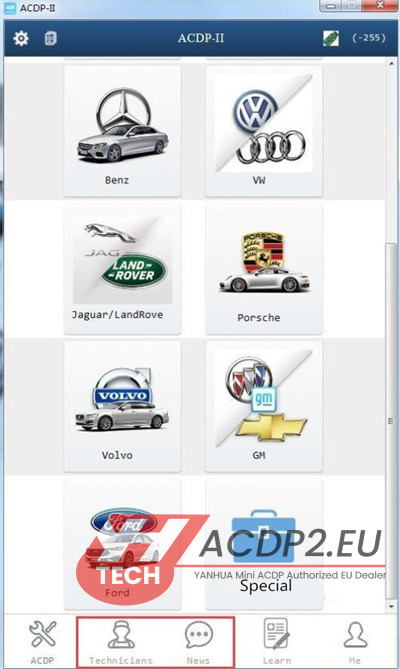

Step 1: Establish Connection
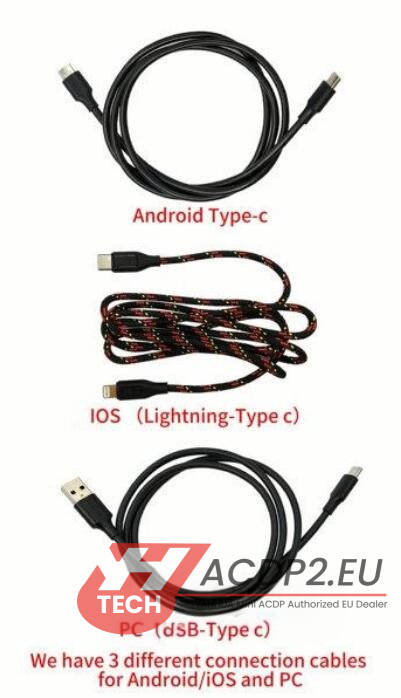
Connect your Yanhua ACDP-2 device to your smartphone or computer with the correct USB cable:
- Android Phone: Standard Type-C cable
- iPhone/iPad: Lightning to Type-C cable
- PC: USB Type-C cable

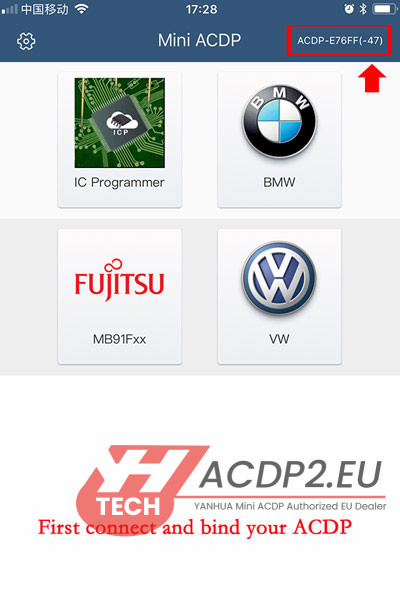
Step 2: Device Binding
Link your ACDP-2 key programmer to the ACDP application or software. (For detailed steps, please consult the dedicated binding guide.)

Step 3: Account Registration
Inside the app, go to the “Me” section located at the bottom-right corner.
Tap “Login”, then choose “Register”.


Carefully complete all necessary information: Region, Phone Number, Password, Full Name, and Email Address.
For verification, the “Bar Code” option is recommended due to its efficiency and ease of use.
Press “Sign up now” to submit.


Note: Be sure to keep your registration information safe and accessible, as it will be required for future software updates and after-sales service.

Step 4: Finish Setup
After successful registration, you can log in with your new credentials and start using all functionalities of Yanhua ACDP2 software.


