



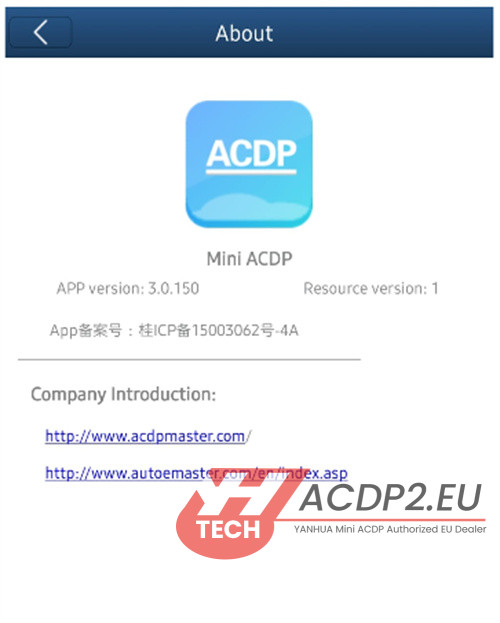
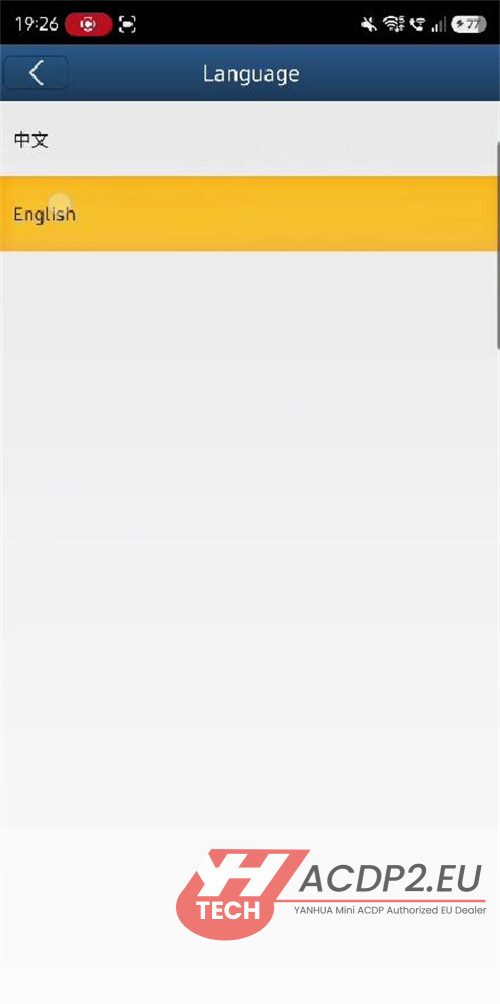
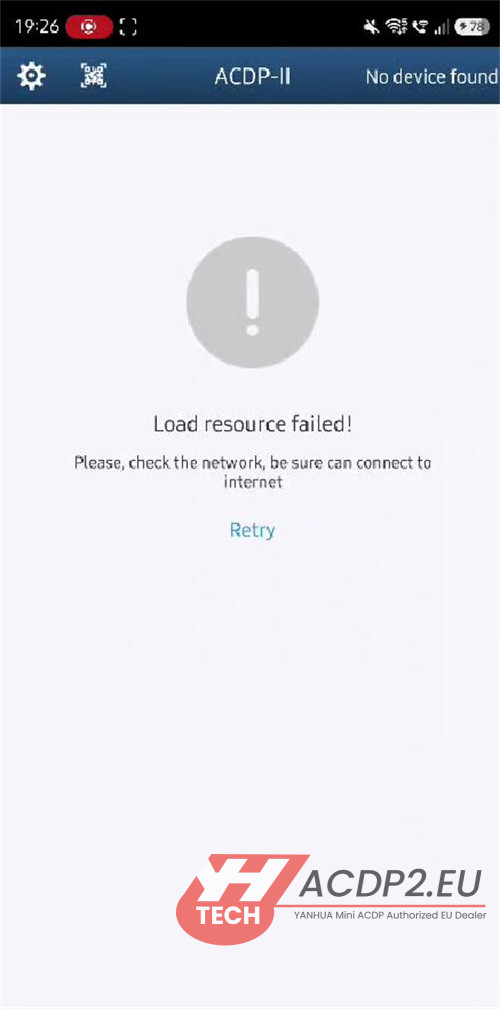
A user recently reported an issue while using Mini ACDP2 key programmer. When attempting to switch ACDP2 software language from Chinese to English (APP Version 3.0.150), the system displayed a “Load resource failed” error. Notably, switching the language back to Chinese was successful without any issues.

Solution Provided by ACDP2.EU Engineer:
This error typically indicates that the required language resources are missing or incomplete. This can sometimes lead to interface errors, such as a white screen.
To resolve this, please follow these steps:
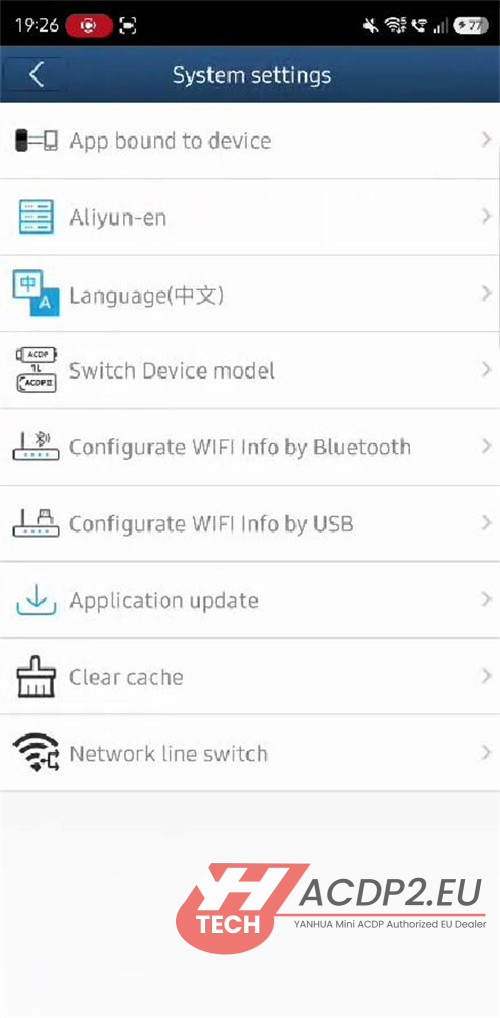
1.Navigate to Setting -> Network line switch.
2.Select “Network line 2”.
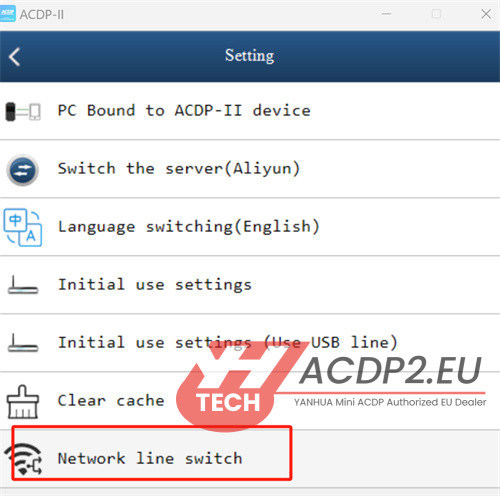
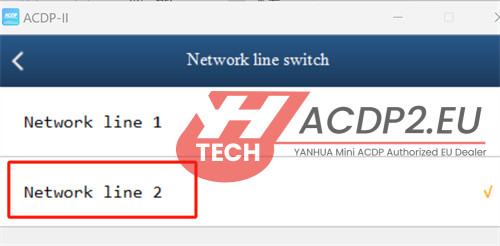
3.Attempt to change the language to English again.
Switching the network line ensures the device downloads the necessary language packs from the correct server, resolving the resource loading failure.
Tech support:
E-Mail: sales@ACDP2.eu
WhatsApp: +86 180 5481 5707