



After using Yanhua ACDP2 with Module 38 to add a BMW BDC2 key, you should learn the key according to the software prompts, or use ACDP BMW BDC2 Key Learning platform to learn new keys. Check the operation guide below.
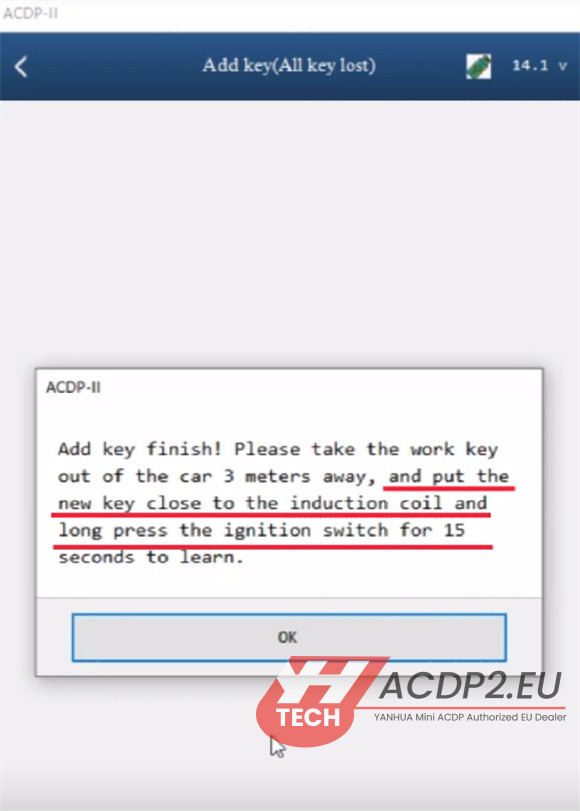
1.Learn a BMW BDC2 Key
Setup: Install Yanhua ACDP BMW BDC2 AKL Test Platform and BDC2 module. Connect a 14V power supply.
Initiate Programming: Place the new key into the platform’s coil.
Enter Learning Mode: Press and hold the START button for 15 seconds.
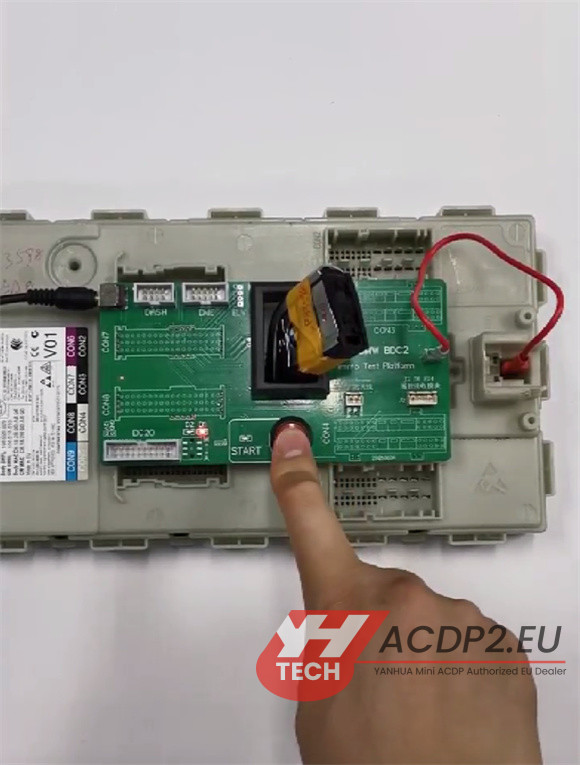
First Command: Quickly tap the START button three times. Check that the START indicator light turns ON.
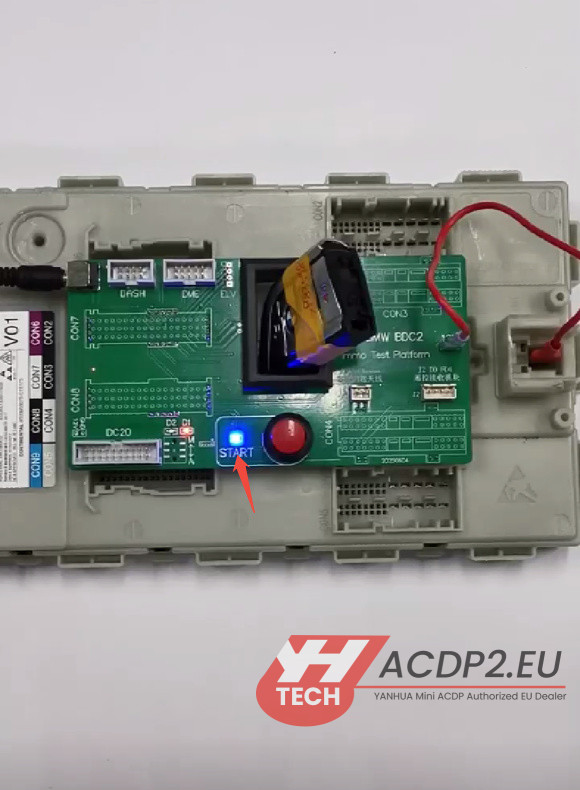
Second Command: Press START three times again. Verify that the START indicator light turns OFF.

Confirmation: This ON/OFF toggling of the light confirms successful key programming.
2.Test Remote
Connect the key’s Remote Receiver Box and Smart Antenna.
Press the unlock/lock button on the key.
Listen for an audible sound from the BDC2 relay, which indicates normal remote function.
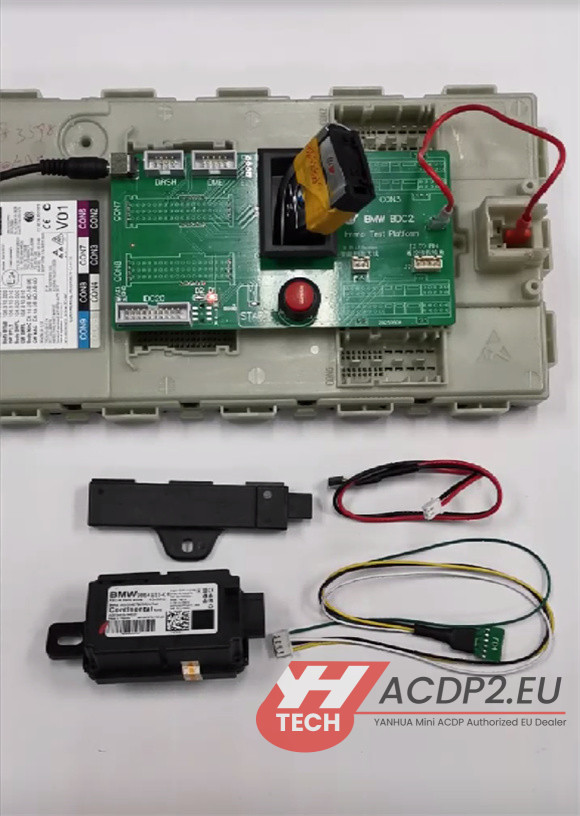
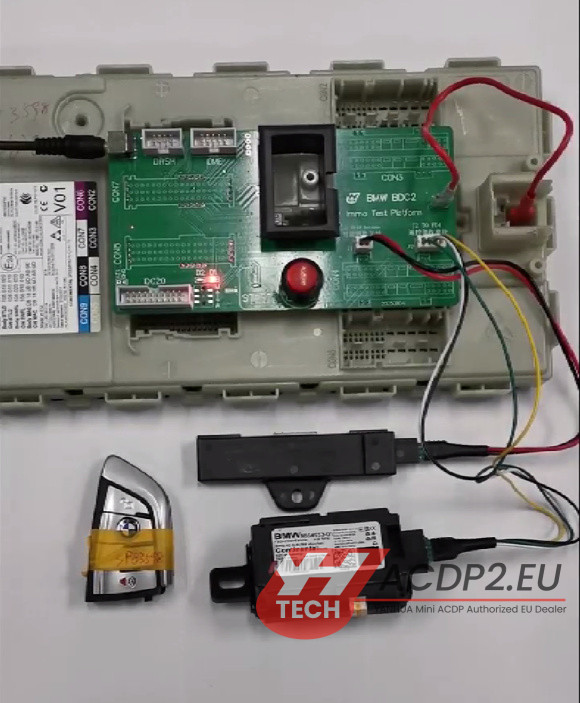

3.Optional Verification
Move the key away from the coil.
Press START three times and check if the START indicator turns ON.
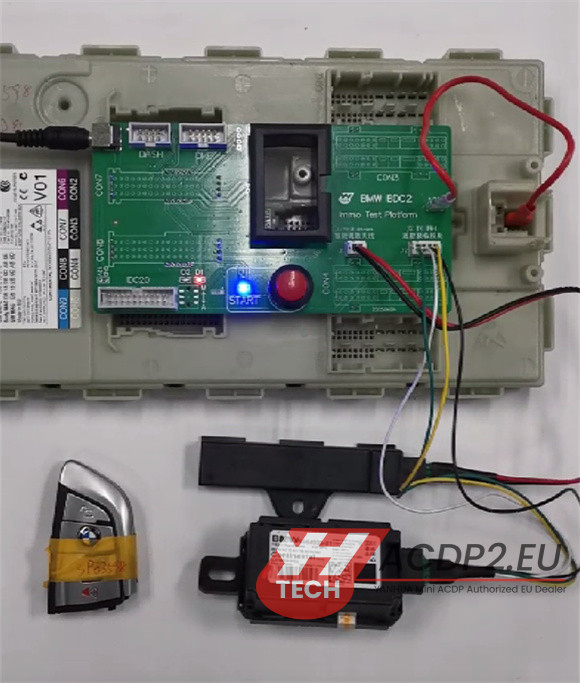
Press START three times again and verify if the START indicator turns OFF.

Read also:
Yanhua ACDP Module 38 Program BMW BDC2 All Keys Lost
How to Program BMW BDC2 All Keys Lost by Yanhua ACDP Module 38?
Yanhua ACDP2 BMW G Series BDC2 All Keys Lost Risk Warning