



Yanhua Mini ACDP OBP+ICP adapter switch regulates signal transmission between “NC” (Normal Connection) for most operations and “CAN-R-Join” (CAN resistor short-circuit) specifically for DME ISN read/write. Generally, set to “NC” for memory/CAS, and switch to “CAN-R-Join” for DME/Gearbox.
Operating the Switch:
- NC Position (Normal Connection): Use this for standard operations, such as EEPROM read/write, CAS1-CAS4+ key programming, and most ICP (In-Circuit Programming) tasks.
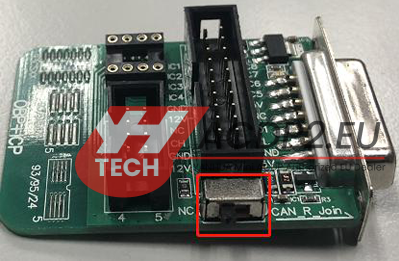
- CAN-R-Join Position: Switch to this position when performing DME read/write (e.g., MSV80) or gearbox (e.g., 8HP) operations to properly manage the CAN termination resistor.
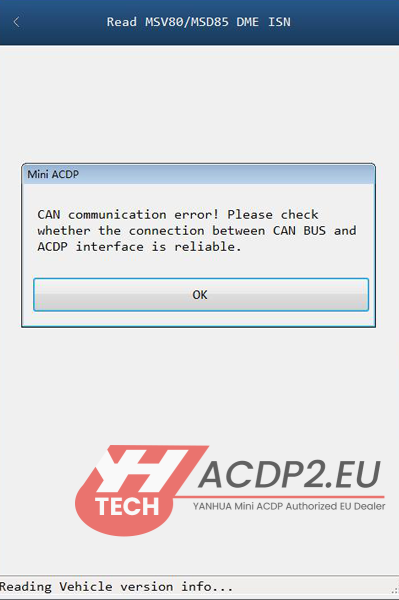
Typical Workflow Example (DME ISN):
1.Connect the interface board to the DME and connect to the OBP+ICP adapter.
2.Set the switch to CAN-R-Join.
3.Connect to the ACDP host and power on.
4.Proceed with software instructions for reading ISN.
Important Notes:
Yanhua official instructions emphasize that if you do not switch to “CAN-R-Join” when required by the software, the DME communication will fail.
Ensure the adapter is securely connected before toggling the switch.