



Problem:
Yanhua Mini ACDP2 is connected properly, but when you select a specific function, a message appears saying the module is not authorized. How can you fix this?
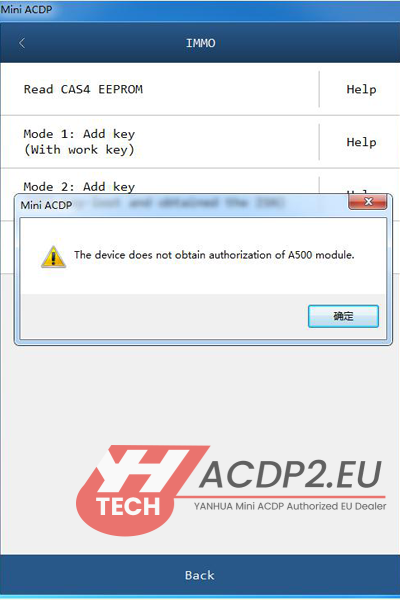
Step-by-Step Solution:
- Check Your Authorization Status
Open Yanhua app or software, go to “Mine” → “Device Authorization Information”.
- Choose the Case That Applies to You:
Case 1: No Authorization Found
If you only see Function ID: 0001 in the list, your device has not been activated.
What to do: You can authorize it yourself or ask your seller to activate it for you.

Case 2: Authorization Not Yet Downloaded or Activated
If your purchased Function ID appears but shows as “Un-downloaded” or asks for a “License Update”, follow these steps:


Action Required:
Make sure your ACDP2 is connected. The first time you run the mobile app or PC software, you must perform a “License Update”. This will download and activate all the functions you have purchased.