



Question:
I want to read DME ISSN number and then write into BDC ISSN number by Yanhua ACDP2, do I need a Module 31 DOIP Adapter?

ACDP2.EU engineer replied:
No, DOIP Adapter is not required, but Module 2 is required to perform this function via OBD cable.
Follow the menu path to operate as follows:
BMW-> FEM/BDC-> Modify data-> Read ISN (OBD) or Read ISN (BAV-KEY)
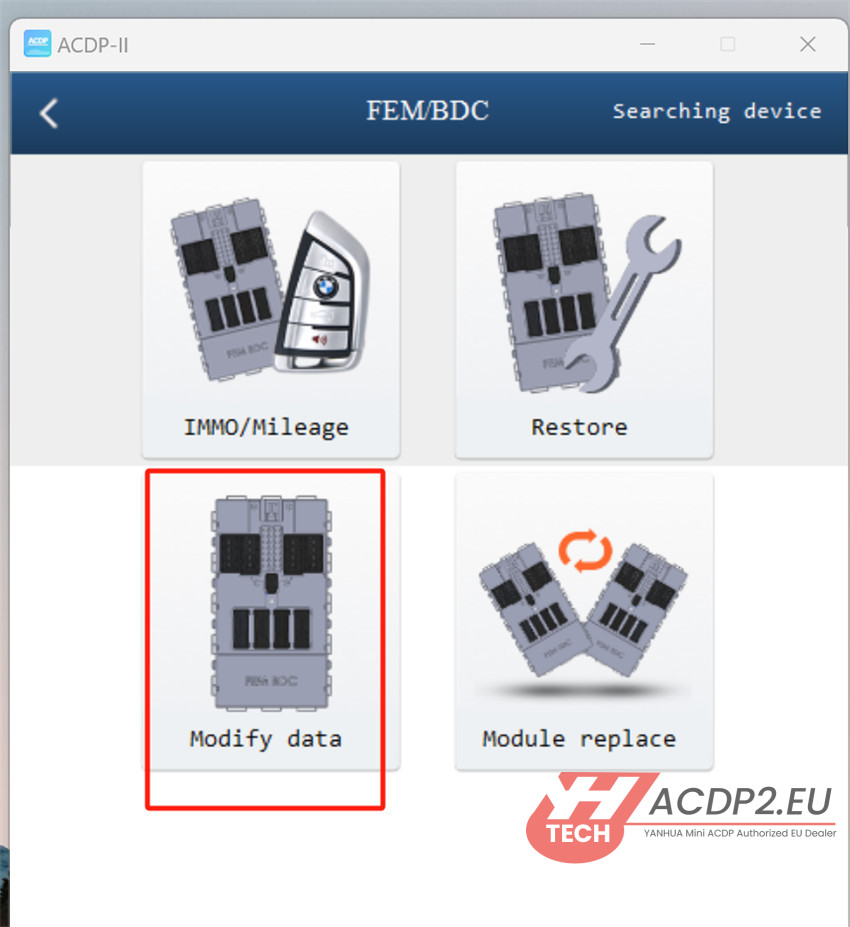
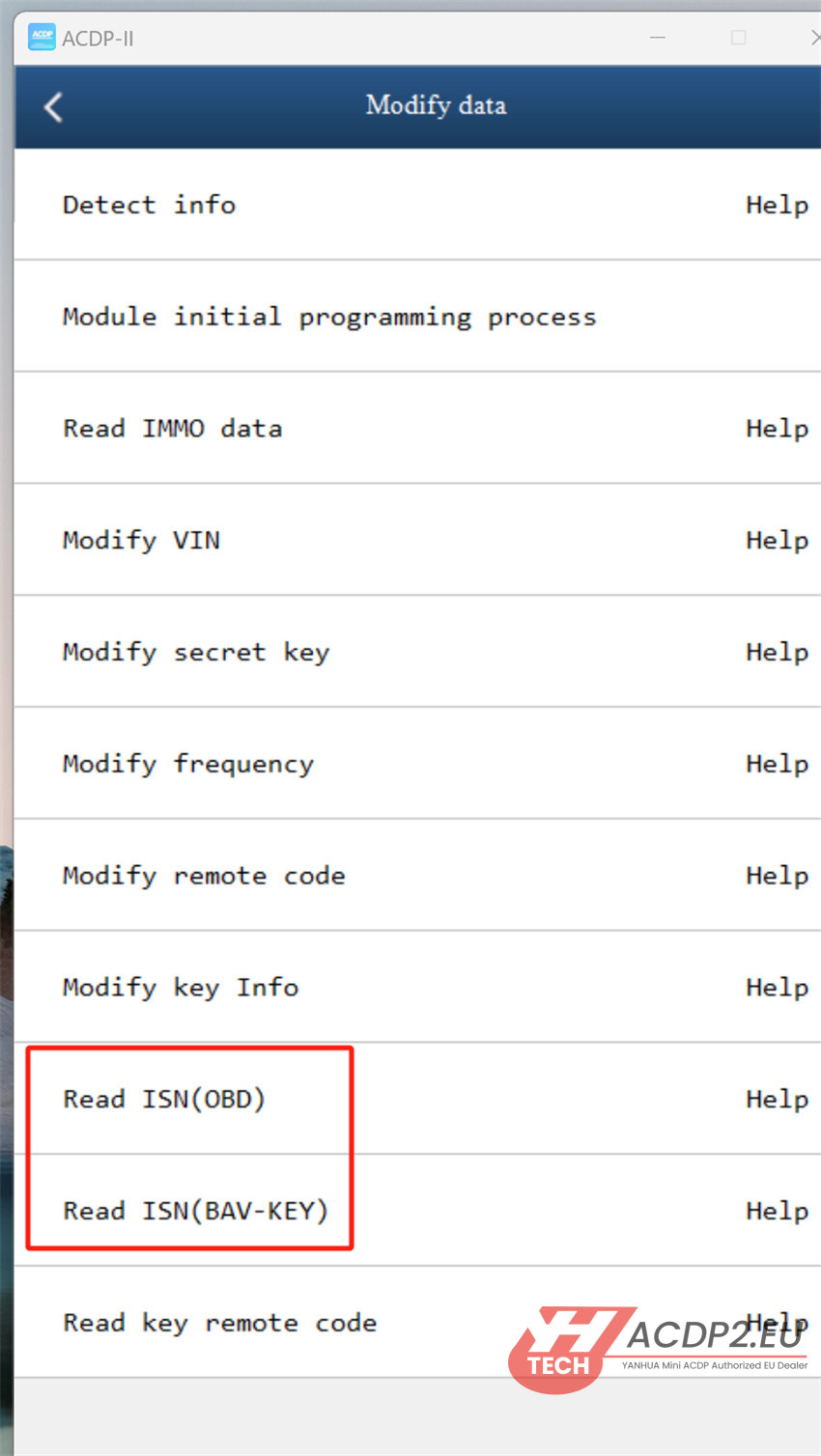
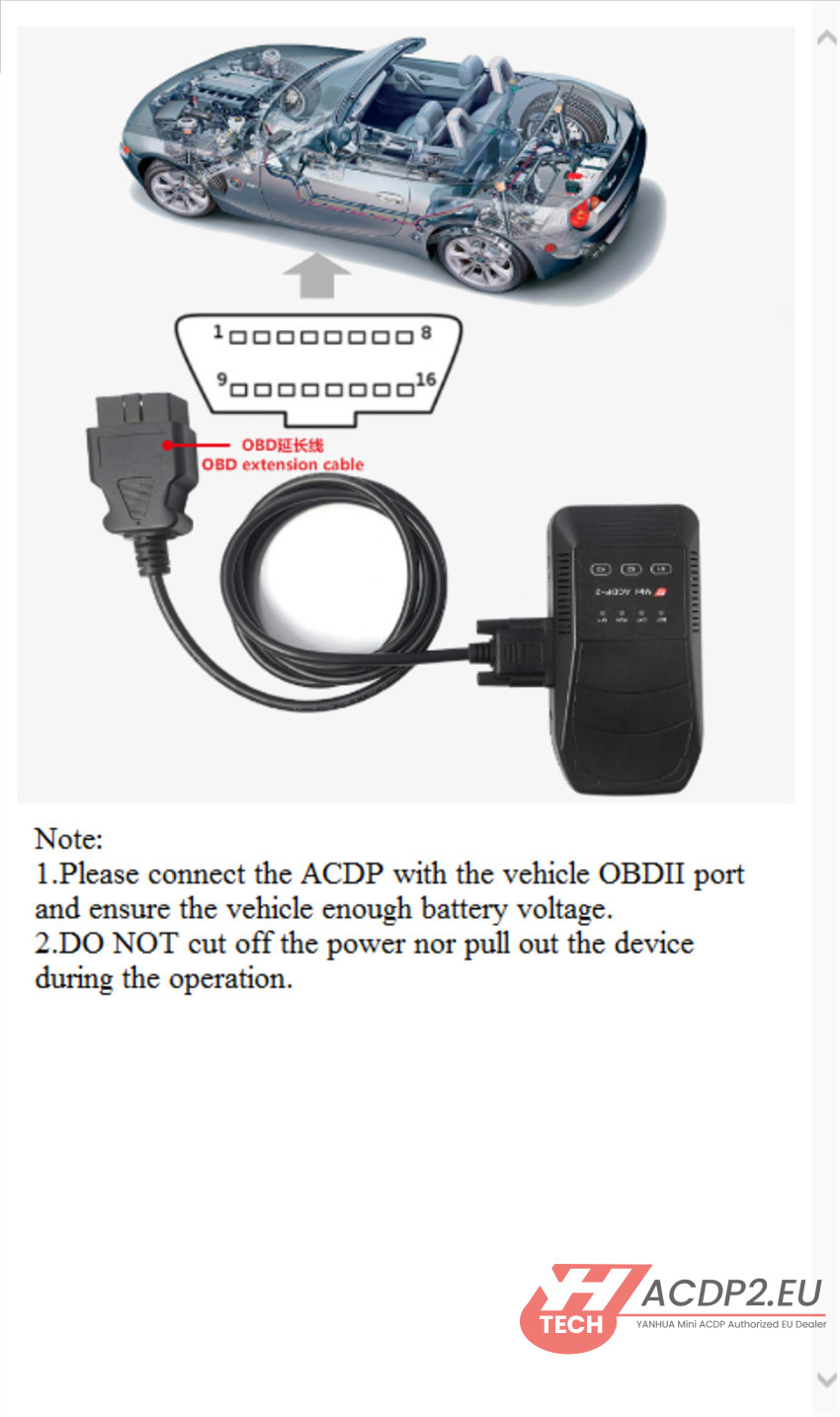
- Connection via OBD:
1.Connect ACDP2 with the vehicle OBDII port using OBD extension cable and ensure the vehicle enough battery voltage.
2.Do not cut off the power nor pull out the device during the operation
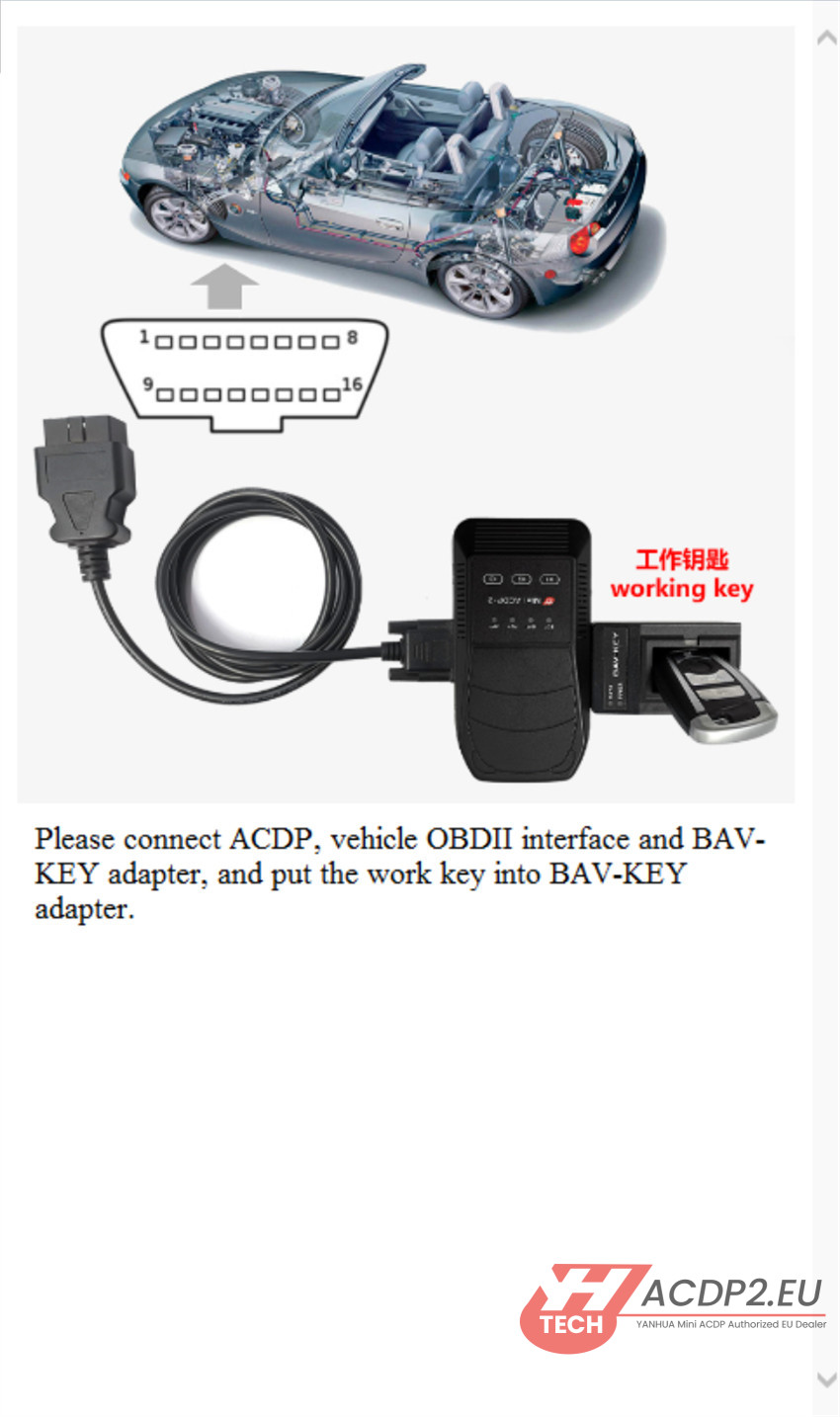
- Connection with BAV-KEY Adapter:
1.Connect Mini ACDP2 to vehicle OBDII interface by OBD extension cable, and connect to BAV-KEY adapter correctly
2.Put the working key into BAV-KEY Adapter
Follow the on-screen instruction to complete the process.