Follow these simple steps to navigate directly to your project files in the PC version of Yanhua ACDP software:
1.Software Version Check
Open the ACDP software on your PC.


Navigate to: Me-> About
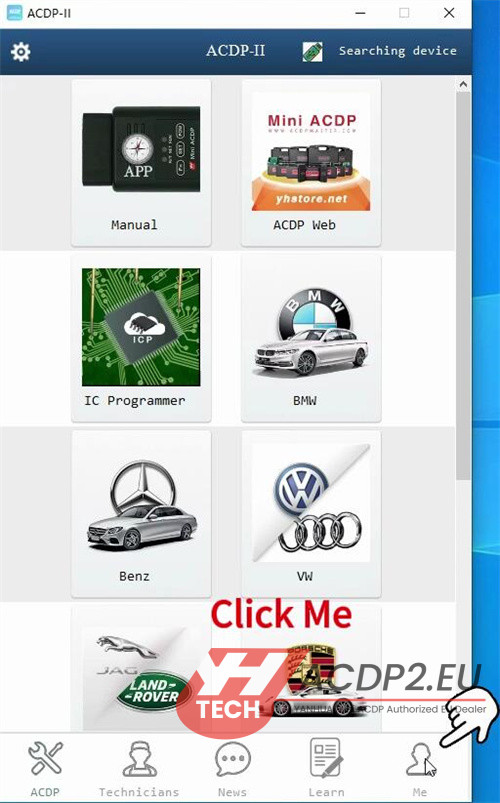


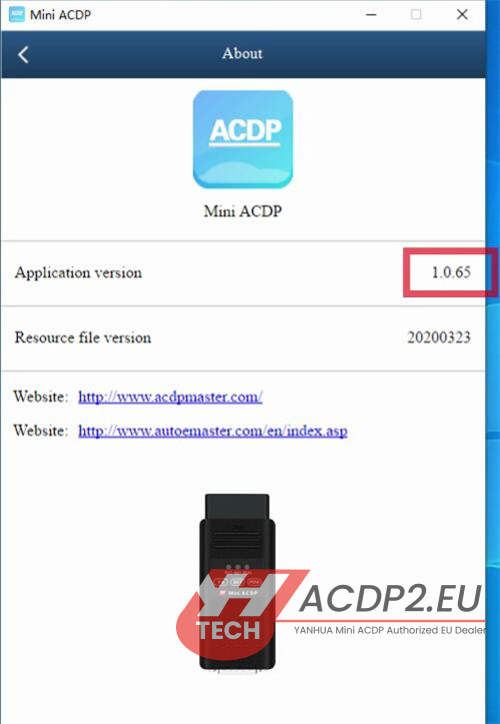
Verify your software version meets these minimum requirements:
- ACDP1: Version 1.0.65 or higher

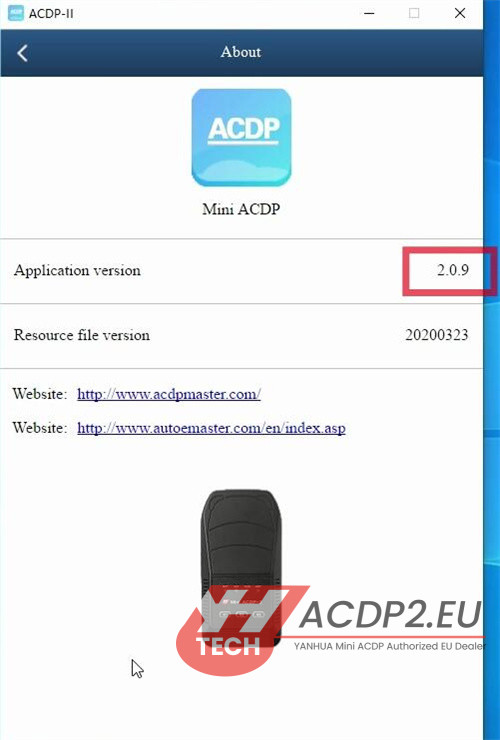
- ACDP2: Version 2.0.9 or higher

2.Access Your Project Folders
Click on “My File” in the main interface.
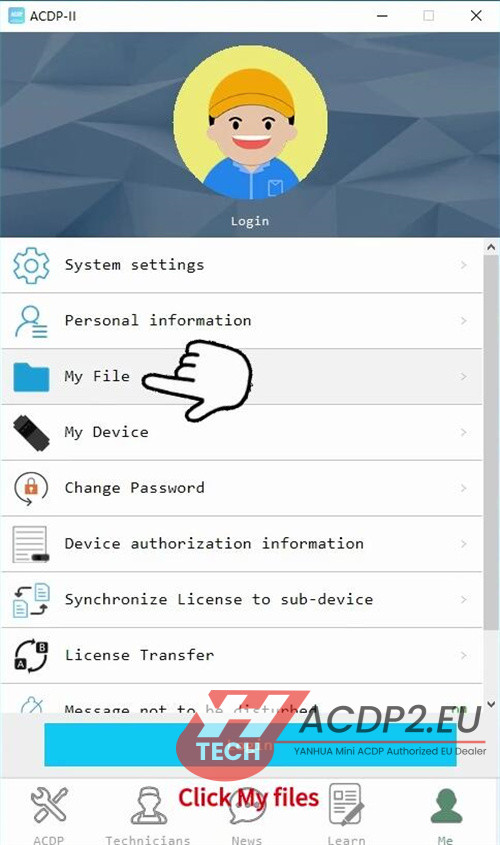

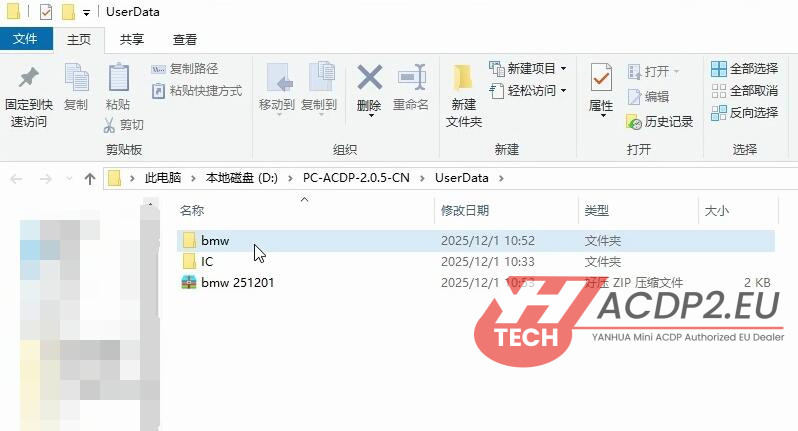
This will automatically open the UserData directory.
All vehicle model folders you have previously worked on will be displayed here.
Browse and locate the specific data files you need for your current task.

Tip:
The UserData folder serves as the central storage location for all your Mini ACDP project files, organized by vehicle model for easy access.
Video guide:


