



Problem:
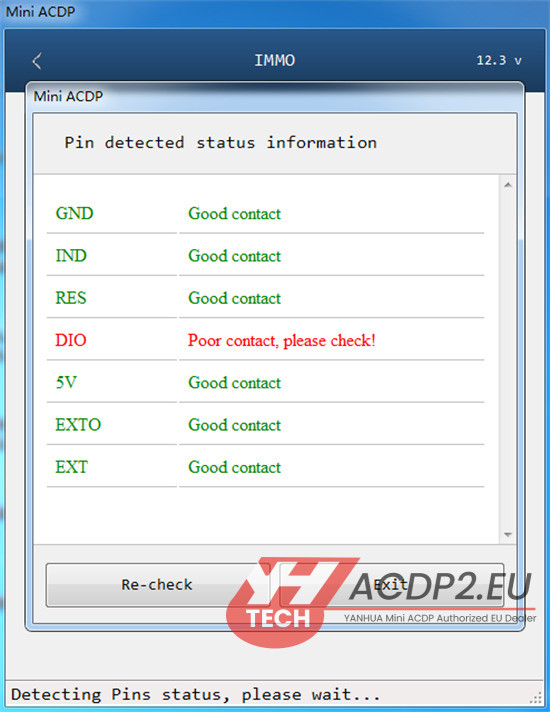
Pin detection shows unreliable contact when reading JLR KVM data via ICP using Yanhua ACDP/ACDP2.
Solution:
Step 1: Open the help guide in your ACDP app to locate the problematic test point.

Step 2: Remove Yanhua ACDP2 JLR interface board and use a conformal coating cleaning probe on the identified test point.

Step 3: Gently rotate the probe 1–2 turns without forcing it in order to avoid damaging the test points
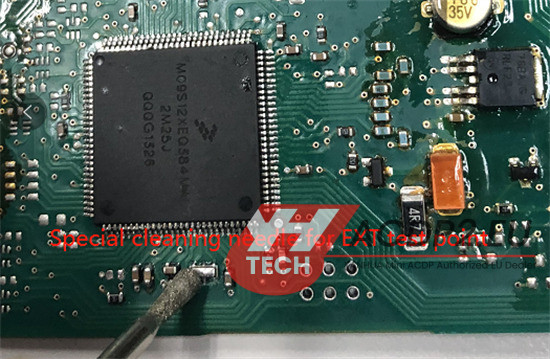
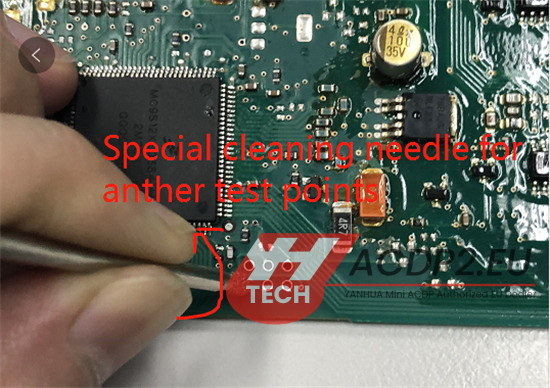
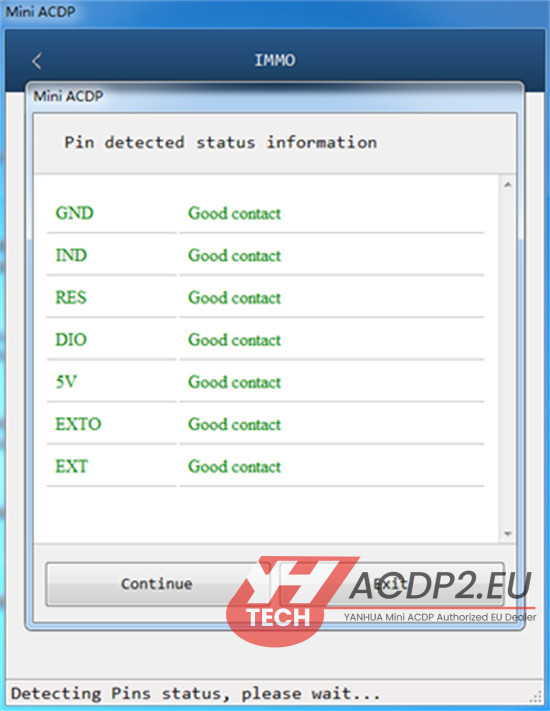
Step 4: Reattach the board and retry pin detection. Contact should now be stable.
Tech support:
E-mail: Sales@ACDP2.EU
Whats app: +8618054815707(Erin)
www.acdp2.eu